

Updated: November 11, 2026
A DTF transfer is your design printed on clear film, with a layer of adhesive on the side that touches the fabric. It arrives printed and ready to press. You place it on the garment, press it with a heat press and peel off the film. The design stays on the fabric.
You don't need a DTF printer to use one: we print it in our Miami shop and you press it. This guide covers what you get, how to press it, what goes wrong and how to order. For what the letters stand for and how the printing works, see DTF meaning. For the materials, see what DTF transfers are made of.
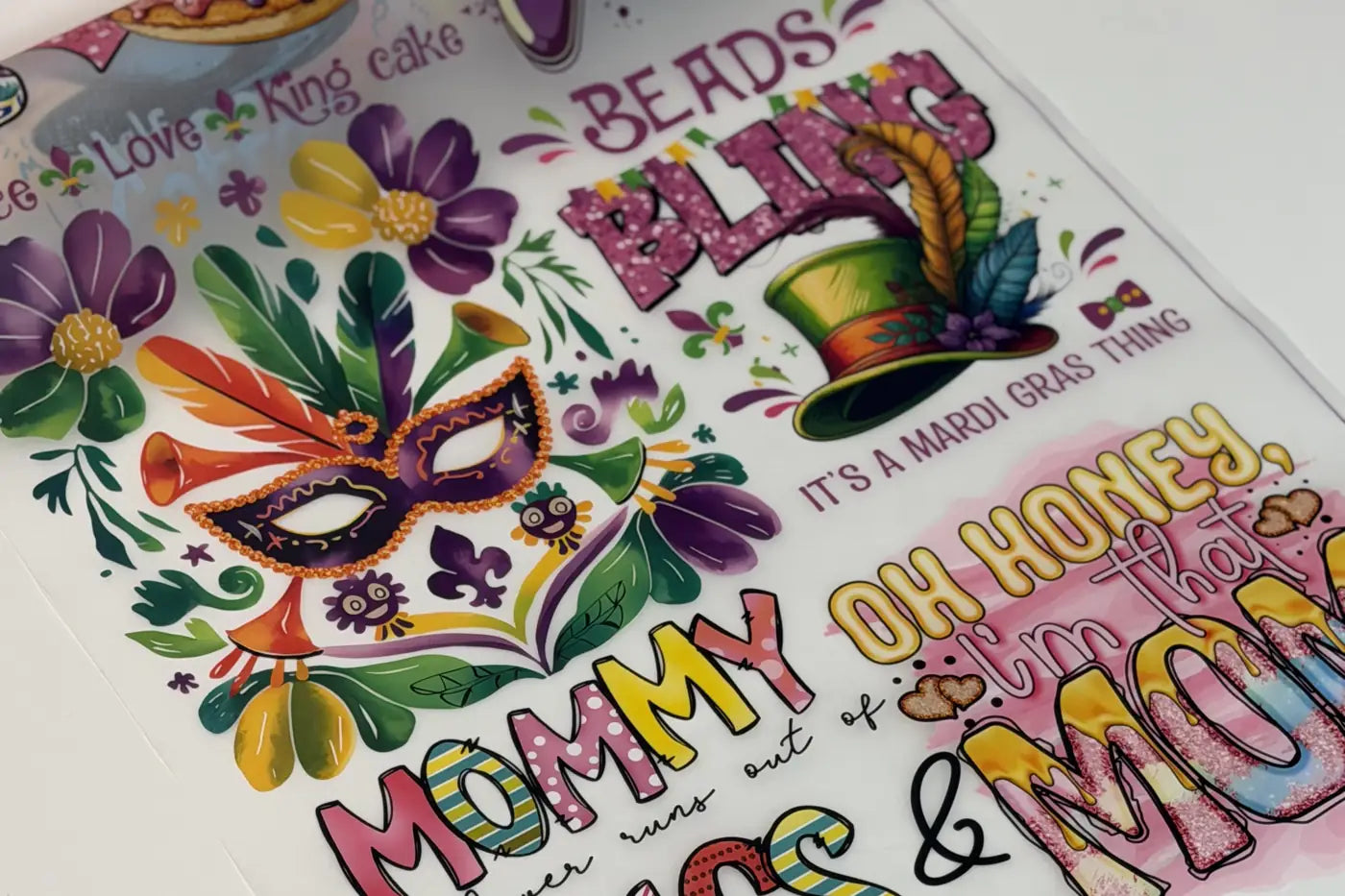
How Do DTF Transfers Work?
Heat and pressure do the work. The heat softens the adhesive, the pressure pushes it into the fabric, and the film holds the design in place until you peel it off. One last short press sets the adhesive into the fabric.
DTF transfers are made for fabric: cotton, polyester, blends and nylon, on t-shirts, hoodies, tote bags and uniforms, light or dark. They aren't for hard surfaces.
For hard surfaces like glass, ceramic or metal, flat or with a gentle curve in one direction, the option is UV DTF transfers.
We handle the printing: we print your design on film, add the adhesive powder and cure it, so it reaches you ready to press. DTF Transfers Now has been printing since 2006 and has specialized in DTF since 2022.
To use transfers you buy, you only need a heat press and a Teflon sheet or linen cloth. Printing them yourself is a different job, with a DTF printer, inks, film, adhesive powder, curing equipment and design software. Here's how making DTF transfers at home works.
What You Get When You Order
You get your design printed, powdered and cured on film, with nothing to cut around and no weeding. There are two common formats:
- Custom DTF transfers by size are for a design at the exact size you type in. They ship on a roll, and you can add pre-cut pieces for an extra charge and 24 more hours.
- DTF gang sheets put several designs on one sheet, 22 inches wide. You pay by length and cut the designs apart before pressing, so the more designs you fit, the lower your cost per design.
Each product page says which film you're buying, and that matters because the film decides when you peel. Hot peel (our standard): open the press, count 2 to 5 seconds and peel. Cold peel and glitter: wait until the film is completely cool.
If a sheet arrives with a printing defect on our side, we reprint it at no cost.
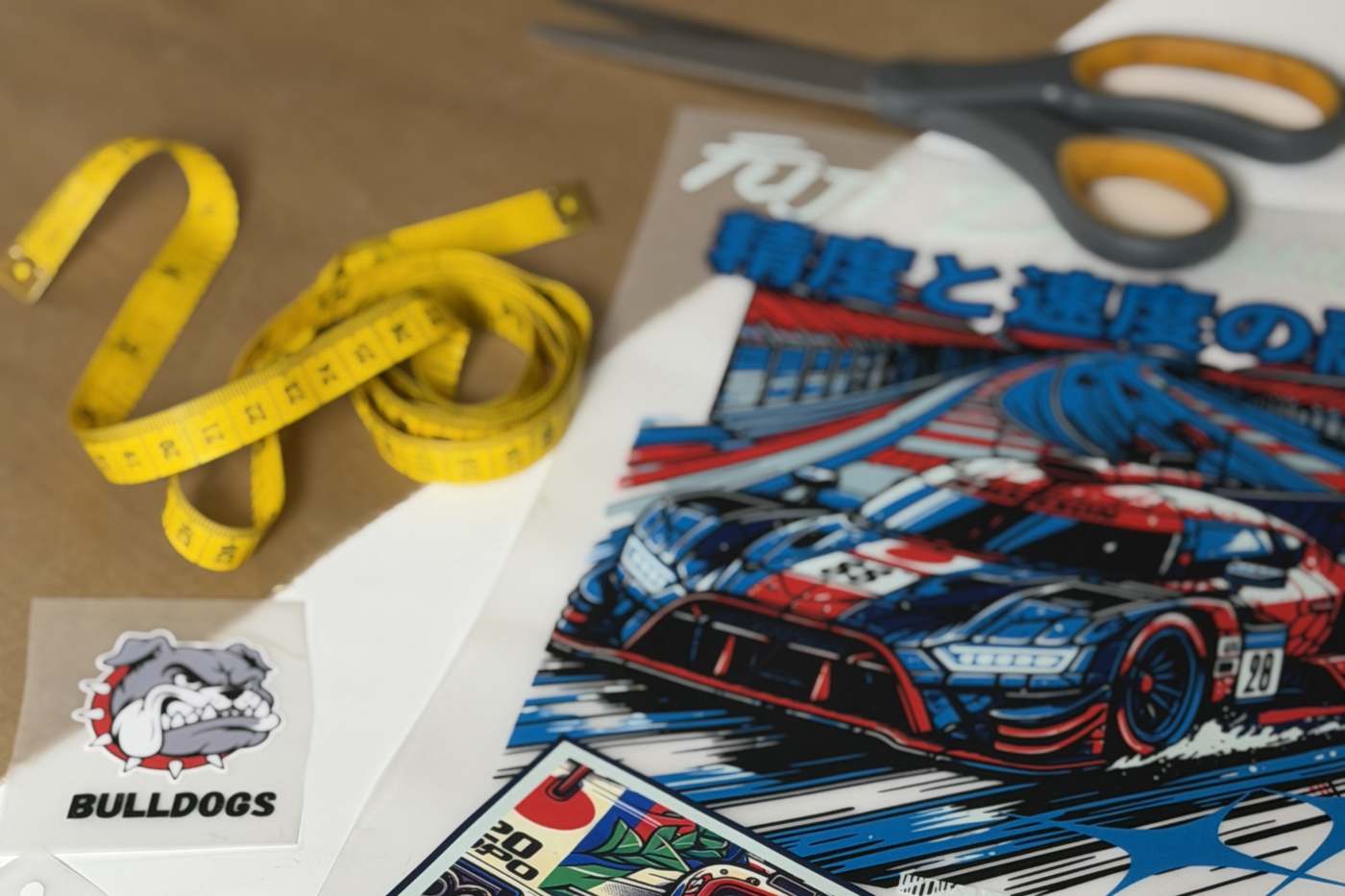
Pressing instructions
Here's how to run a first press and what to check at each step. The chart for every fabric is in our DTF pressing instructions.
- Get the garment ready. Use a lint roller, then pre-press the empty garment for 5 seconds. Look for flat fabric with no wrinkles. Skip this and trapped moisture can show up as small bubbles under the design.
- Place the transfer powder side down, right where you want it. A ruler or a centering tool helps. Over seams, zippers or buttons, put a heat press pillow under the print area so the surface sits flat.
- Press with the settings for your fabric, listed below. Use firm pressure on a manual heat press: you should feel real resistance when you close it.
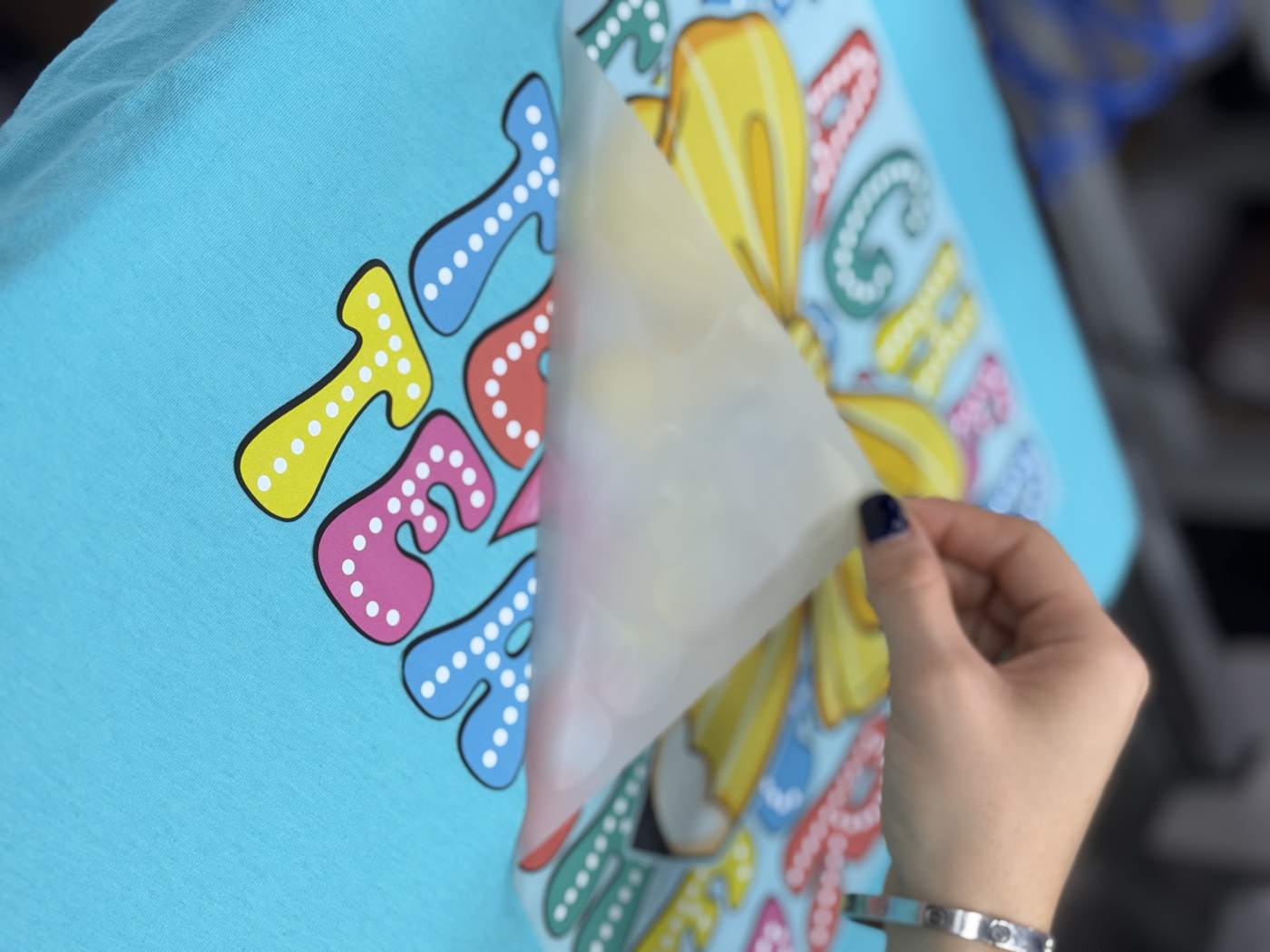
- Peel at the right moment for your film. First time, or very small details? Let it cool completely, even on hot peel film. The design should stay on the garment. If part of it lifts with the film, stop and check Common Mistakes below.
- Finish with a final 10-second press, under a Teflon sheet for a glossy finish or a linen cloth for a matte one. The edges should lie flat, with no corner lifting.
- 100% cotton: on your press, start at 300-320°F (149-160 °C) for 10 to 15 seconds and test on a scrap of the same fabric first, because every press reads a little differently. In our shop we run cotton at 300-310°F (149-154 °C) for 10 seconds at 60 PSI.
- Polyester: 280-295°F (138-146 °C) for 8 to 10 seconds.
- Nylon or performance fabric: 260-275°F (127-135 °C) for 10 to 12 seconds with medium-light pressure.
Those temperatures are measured on the press plate, not read off the dial, so check yours with a contact thermometer.
Wait 24 hours before the first wash. Wash inside out in cold water and skip fabric softener and high dryer heat. Pressed and cared for that way, our standard transfers last 50 to 100 washes. Here's how long DTF transfers last and what shortens their life.
Common Mistakes
Most of the problems we see come down to pressure, heat or the moment you peel.
- Corners lift right after you peel. This is usually too little pressure, the most common mistake we see, or a press running cold. Use firm pressure and check the plate with a contact thermometer.
- The film pulls part of the design off. You peeled at the wrong moment for that film. Check the peel type on the product page, and when in doubt, let it cool completely.
- It peels after a few washes. The usual causes are a press that was too short, no final press, a wash in the first 24 hours or harsh products on the garment.
- The design looks scorched or feels rough. It was pressed too long or too hot. Stay inside the time and temperature for that fabric.
- It sticks in some spots and not in others. A seam, zipper or pocket is holding the press off the print. Put a heat press pillow under the print area.
Still stuck? Our guide to why a DTF transfer is not sticking goes through 12 problems and how to fix each one.
How to Store DTF Transfers Before Pressing
Keep them flat in a sealed bag or container, in a cool, dry place away from direct sun. Humidity is what hurts a transfer waiting to be pressed, and folding can damage it. Test any transfer older than six months on a scrap before a full run. Our guide covers how to store DTF transfers in more detail.
How to Order DTF Transfers
Buying ready-to-press transfers doesn't take a printer. Pick the route that matches what you have:
- You need to lay out your designs: open the Free Gang Sheet Builder. No account, no email. Upload PNG, JPG, WebP, SVG, PDF or AI. A transparent PNG prints best. That page also has a short video (1:09) on how to use the builder.
- You already have a finished sheet: upload it on custom DTF gang sheets. It should be 22 inches wide at 300 DPI with a transparent background, as a PNG, PDF, SVG, AI or PSD.
- You have one design or just a few: order by size and type the width and height. Send a PNG, PDF, SVG, AI, PSD or JPG at 300 DPI or more.
Before you upload, check three things:
- Final size: the inches the design will measure on the garment.
- Resolution: 300 DPI at that final size, because a small image stretched up prints blurry.
- Requirements: each route above takes its own file types, so use the list for the one you picked.
If your logo only exists as a small image, ask a designer for a vector version, which resizes without losing quality.
Want to try the material first? Our free sample pack comes with sample designs in cold peel, hot peel and glitter DTF, plus UV DTF stickers. The pack is free and you cover shipping, or you pick it up free in Kendall. It's one per customer and per address, and it's ordered on its own. To test your own artwork, order the smallest gang sheet, 22 × 6 inches.
Check your cost first with the DTF pricing calculator. Ships within 24 hours, Monday to Friday, for standard, cold peel and glitter orders. That's when your order leaves our shop, and transit depends on the method you pick at checkout. Free ground shipping over $75, applied automatically at checkout. It doesn't combine with discount coupons.
Frequently Asked Questions
What Do You Need to Use DTF Transfers?
You need the transfers, a heat press and a Teflon sheet or linen cloth for the final press. A lint roller and a heat press pillow help, and a contact thermometer tells you the real temperature. A household iron can work for a test, but it doesn't give the even, firm pressure DTF needs, so the print won't last as long.
Is a Cricut a DTF Printer?
No. Cricut's cutting machines cut material, and printing DTF takes a DTF printer, inks, film and adhesive powder. A Cricut EasyPress is a different tool: it's a handheld heat press, so it can apply a transfer you bought, as long as you keep firm, even pressure across the design.
Can You Print DTF at Home, and Is It Cheaper?
You can, with the equipment listed above, and whether it's cheaper depends on how much you print. The equipment and its maintenance make sense when you print often enough to keep it busy. For occasional orders, buying transfers means none of that. Here's what printing at home takes.
How Much Do DTF Transfers Cost?
By size, you pay $0.05 per square inch, with no minimum and no setup fee, and the editor applies a volume discount from 15 pieces of the same design. Gang sheets are priced by length. The DTF pricing calculator shows the cost for your order.
Questions before you order? Call us at (305) 542-5752 or write to info@dtftransfersnow.com.