» Hot peel · film off in 4–6 seconds · 22 in wide
Hot Peel DTF Transfers – Fast & Efficient Custom Printing
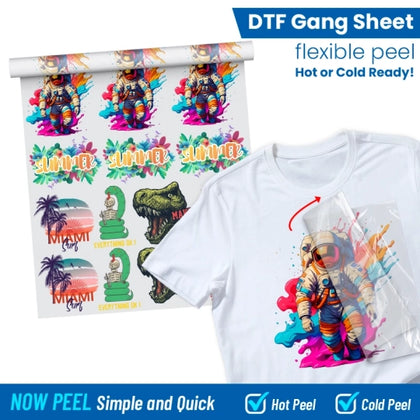
Hot peel DTF transfers are perfect for high-volume apparel production. Peel instantly for faster workflow and bold, lasting prints. Order DTF gang sheet layouts or buy hot peel transfers for seamless, time-saving results every time.
✓ Hot Peel ✓ Vibrant Colours That Stand out ✓ Multiple designs per Sheet ✓ Highly wash-durable prints ✓ No minimums, no setup fees ✓ OEKO-TEX certified inks ✓ G7-calibrated color
Couldn't load pickup availability
100% Satisfaction Guaranteed: misprints, material defects, or production mistakes on our end are replaced at no cost.
Specifications
File formats
PNG · PDF · SVG · AI · PSD
Export settings
300 DPI · RGB · transparent background required
Min line / halftones
Min line 6 px @ 300 DPI · halftones supported
Multiple designs
Multiple designs per sheet
Peel technology
Hot Peel
Press instructions
300°F (149°C) · 10–12 sec
Nylon
Apply at 260–265°F (127–129°C) · 6–8 sec
First wash
Wait 24 hours
Compatible fabrics
Cotton, polyester, blends, tri-blends, leather, denim, nylon
Do not apply to
Coated · highly elastic · rough textures · sublimated jerseys
Production & turnaround
Within 24 hours (Mon–Fri)
Shipping (pickup & UPS)
Local pickup, UPS Ground, UPS 2–3 Day & UPS Next Day
Sublimated jerseys: dye migration may affect print quality.
Design tutorials & builders
Shipping, pickup & turnaround
Standard production: 24 business hours, Monday to Friday.
Available as its own product: ship by 12 PM ET, or pick up free in Kendall by 3 PM ET, Monday to Friday.
Ground over $75 (GroundFree) · 2nd day over $300 (2ndDayFree) · next day over $500 (NextDayFree). Codes don't combine with discount coupons.
Local pickup, UPS Ground, UPS 2–3 Day & UPS Next Day. Pickup: 13276 SW 120th St, Miami, FL 33186.

Experience the Power of Hot Peel DTF Transfers
Hot peel DTF transfers are built for speed-driven production environments—print shops, team suppliers, and growing apparel brands that can’t afford slowdowns. Press, peel immediately, and move on to the next garment without waiting. The result is a smoother workflow, faster turnaround, and higher daily output.
Built for Bulk, Designed for Speed
Hot peel technology removes downtime from your process, making it ideal for high-volume and time-sensitive orders.
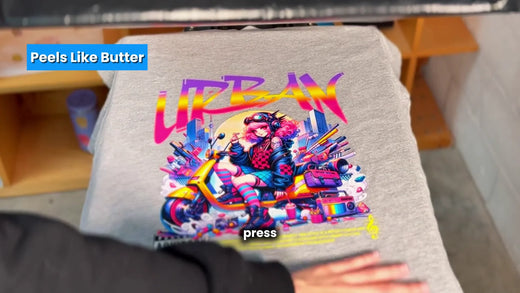
- Peel instantly after pressing—no cooling time
- Perfect for rush jobs, pop-ups, and on-demand production
- Consistent, vibrant color across every transfer
- Ideal for bulk orders and DTF gang sheet layouts
Choose hot peel DTF transfers when efficiency, consistency, and production speed matter most.
The Hot Peel Advantage
Make the most of every order by choosing the right features. Explore what makes these transfers stand out.

Ultra-Fast Film Removal
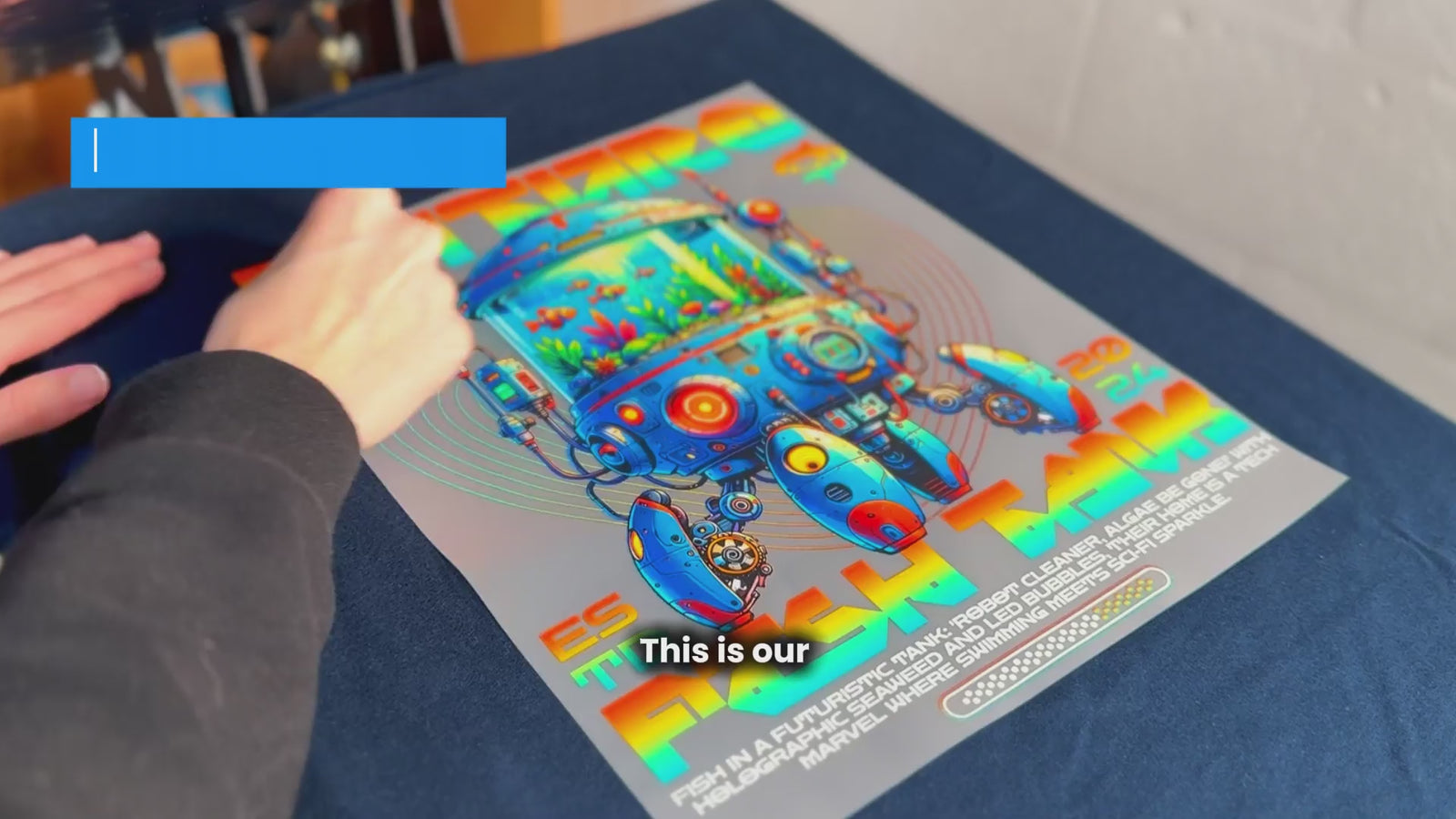
Film Removal Peel in 4–6 seconds. Great for high-order workflows and shops that can’t afford production slowdowns.
Ideal for Bulk Production
Bulk Production Designed for smooth, efficient press runs, especially when larger volumes need quick turnaround.
Consistently High Quality
High Quality Get bold colors and precise detail. Custom Hot Peel DTF Transfers are made for lasting, sharp results.
Wide Fabric Compatibility
Fabric Compatibility Works across cotton, polyester, and blends. Hot Peel DTF keeps projects flexible and reliable.
Order Customization
Customization Pick standard or custom sizes. No heavy minimums—order amounts that fit your project perfectly.
How to Order
Ordering is straightforward—whether you’re brand-new or a print pro.
Don’t have a gang sheet ready yet? Use the DTF Transfers Now Gang Sheet Builder, or confirm sizing with our DTF Transfer Size Guide before ordering.
Select Transfer Size
Choose the size that fits your garment and placement.
Upload Your Artwork
Upload a print-ready file, or build a Gang Sheet online.
Place Your Order
Checkout to reserve production and get your order moving.
We Print & Ship
Printed with materials optimized for Hot Peel pressing—quick turnaround.
Applying Your Hot Peel DTF Gang Sheet – Step by Step
Here’s how to get smooth, lasting results every time:
Need more help? Watch the video or follow our step-by-step guide.
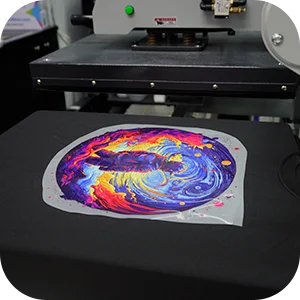
Align Your Design
Position the transfer exactly where you want it placed.
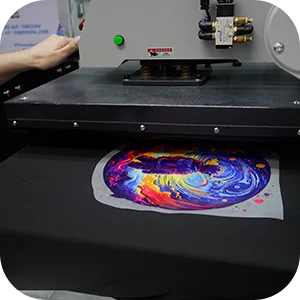
Press with Heat & Pressure
Use 300°F (149°C) for 10–12 seconds seconds and apply medium to firm pressure.
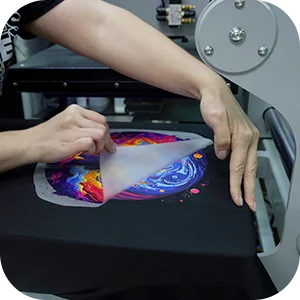
Immediate Peel
While still hot (within 4–6 seconds), peel the film away for sharp, clean edges.
Designed for Efficiency and Creative Flexibility
Hot peel DTF transfers are built to support both streamlined production and creative freedom. Whether your priority is maximizing efficiency with gang sheets or expanding design possibilities across different garments, this solution adapts easily to your workflow while maintaining consistent, professional results.
Unlock More Efficiency with Gang Sheets
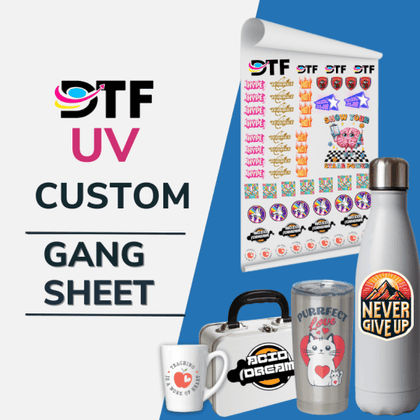
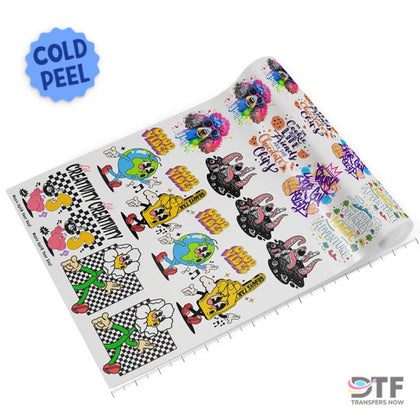
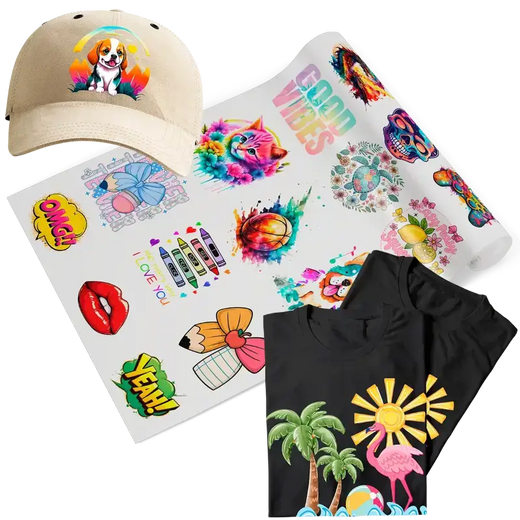
Hot peel DTF transfers reach their full potential when combined with gang sheet printing, allowing you to maximize output while reducing waste.
- Combine multiple designs on a single sheet to save time
- Reduce material waste by using every inch efficiently
- Increase production speed for short and long runs
- Ideal for teams, schools, and online apparel stores
- Order ready-to-print DTF gang sheet layouts or bulk transfers
Using gang sheets allows you to combine multiple designs on a single sheet, helping reduce material waste and improve overall production efficiency.
Maximum Versatility for Custom Apparel
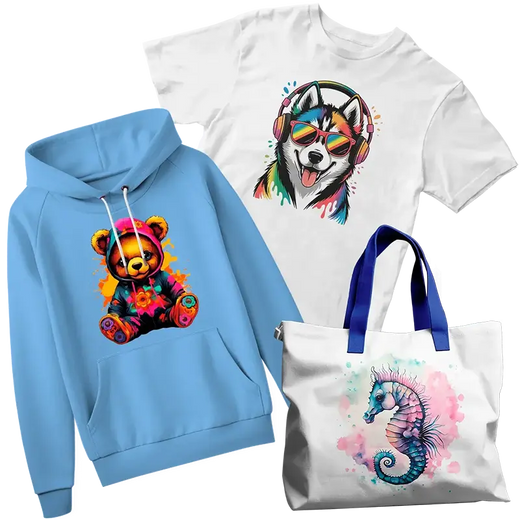
With hot peel DTF transfers, nearly any design style can be applied with consistent, professional results across multiple garment types.
- Logos, illustrations, gradients, and photo-quality designs
- Crisp, colorful prints with smooth adhesion
- Long-lasting transfers made for repeated wear and washing
- Applications on cotton, polyester, and blended fabrics
- Apparel ranging from t-shirts and hoodies to tote bags
Hot peel DTF transfers work best on cotton, polyester, and blended fabrics, delivering consistent results across a wide range of apparel.
Why Choose Hot Peel DTF Transfers Over Other Methods
Create more designs, save time, boost profits effotlessly
The longer the sheet, the less each inch costs
Every sheet is 22 inches wide and you pay by the sheet, not by the design. From 2 feet up the rate is $0.45 per inch. At 6 feet it starts coming down, and on the 25 foot sheet each inch costs $0.3825. Same file, same press, same 24 hour turnaround: the only thing that changes is how much you print at once.
| Sheet length | Per inch | Per foot | Off the base rate |
|---|---|---|---|
| 2 to 5 ft | $0.4500 | $5.40 | base rate |
| 6 to 10 ft | $0.4275 | $5.13 | 5% |
| 11 to 16 ft | $0.4227 to $0.4003 | $5.07 to $4.80 | 6% to 11% |
| 17 to 20 ft | $0.3980 to $0.3869 | $4.78 to $4.64 | 12% to 14% |
| 25 ft | $0.3825 | $4.59 | 15% |
Need more than 25 feet? Our wholesale sheets go up to 100 feet, at a lower rate per inch again.
Frequently Asked Questions
In a creative workplace, employees with responsibly try different solutions.
What’s the difference between hot peel and cold peel DTF transfers?
What temperature and pressure settings work best?
Can I apply Hot Peel DTF Transfers to all fabrics?
Do you have minimum order requirements?
How long will the transfers last?
Can multiple logos or items fit on one sheet?
If you have any questions, please contact us at:
Phone
(305) 542-5752
info@dtftransfersnow.com
Location
13276 SW 120th St, Miami, FL 33186